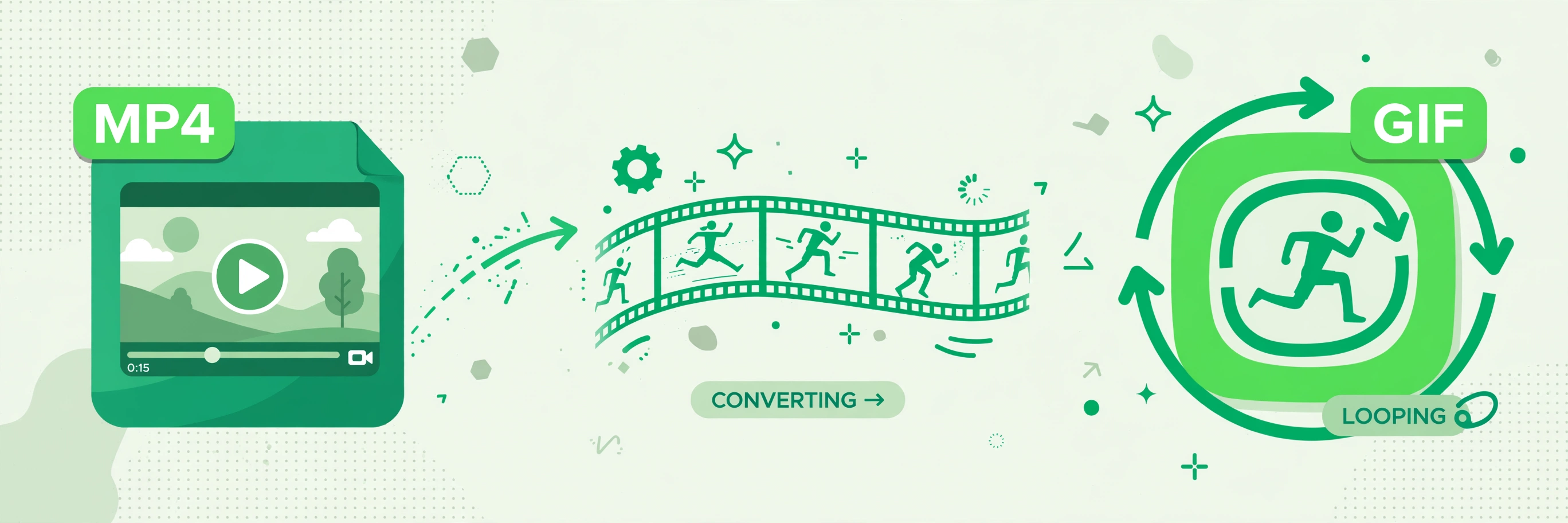
How to Turn an MP4 Video into a GIF for Free

afzal iqbal
Nov 02 /
2 days ago
Short answer: You can turn an MP4 video into a GIF for free with the Video to GIF Converter from Bsks. Upload your clip, click one button, and download the animated GIF — no sign-up and nothing to install.
How to turn an MP4 into a GIF step by step
- Open the Video to GIF Converter.
- Drag your MP4 into the upload box, or click “Select a File” — AVI, MOV and WMV files work too.
- Click “Convert to GIF”.
- Wait a few seconds while the video is converted.
- Download your GIF and share it anywhere.
Practical tips
- Keep clips short. GIFs work best as short loops — a few seconds of the funniest or most useful moment beats a long recording.
- Trim first if you can. Cutting your video down to just the moment you want keeps the GIF small and quick to load.
- Check the file size. Some platforms limit GIF sizes, so shorter, smaller clips upload more reliably.
- Preview the loop. Watch the downloaded GIF once through to make sure it starts and ends cleanly before you share it.
Frequently asked questions
Is the MP4 to GIF converter free?
Yes — converting videos to GIF is completely free, with no account needed.
Which video formats are supported?
MP4, AVI, MOV and WMV files can all be converted to GIF.
Do I need to install any software?
No. The conversion happens online in your browser — just upload, convert and download.