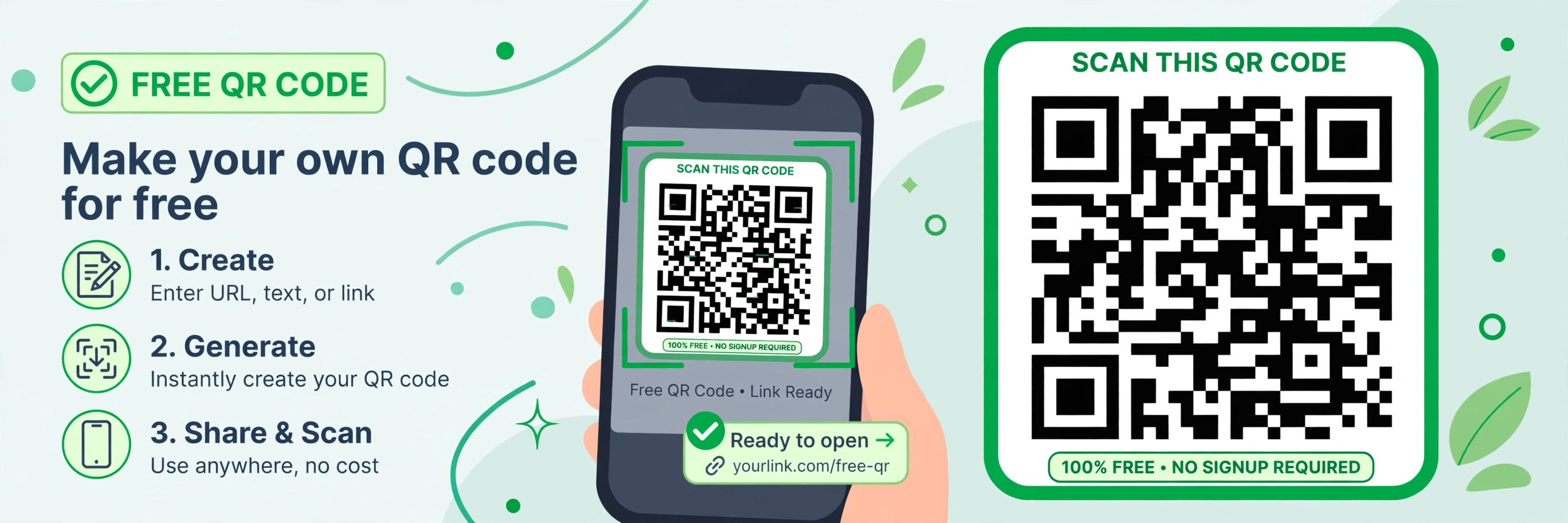
How to Make a Free QR Code in Seconds — No Sign-Up

afzal iqbal
Nov 02 /
2 days ago
Short answer: You can make a QR code free in seconds with the QR Code Generator from Bsks. Pick what the code should contain — a link, text, contact card, email or SMS — customise the look, and download it. No sign-up needed.
How to make a free QR code step by step
- Open the QR Code Generator.
- Choose a tab for your content type: URL, vCard, Text, Email or SMS.
- Enter your content — for example, paste the link you want the code to open.
- Customise the design: adjust the image size, padding, colours, style and eye shape, and pick the error correction level.
- Choose your download format (PNG, SVG or EPS).
- Click “Generate QR Code” and download your code.
Practical tips
- Test before you print. Scan the downloaded code with your phone to make sure it opens the right link or shows the right text.
- Keep it scannable. High contrast (a dark code on a light background) and a quiet margin around the code make scanning far more reliable.
- Use SVG for print. Vector formats like SVG stay sharp at any size, which matters for posters, packaging and business cards.
- Shorten long links first. Shorter content makes a simpler, easier-to-scan code — use a short URL when linking to a long address.
Frequently asked questions
Is it really free to make a QR code?
Yes. You can create and download QR codes for free, with no account required.
What can I put in a QR code?
Links, plain text, contact cards (vCard), email addresses and SMS messages — just pick the matching tab when you create it.
Do the QR codes expire?
No. The codes are static images, so they keep working for as long as the link or content they point to stays valid.