How to Convert PDF Pages to JPG Images for Free

afzal iqbal
Nov 02 /
2 days ago
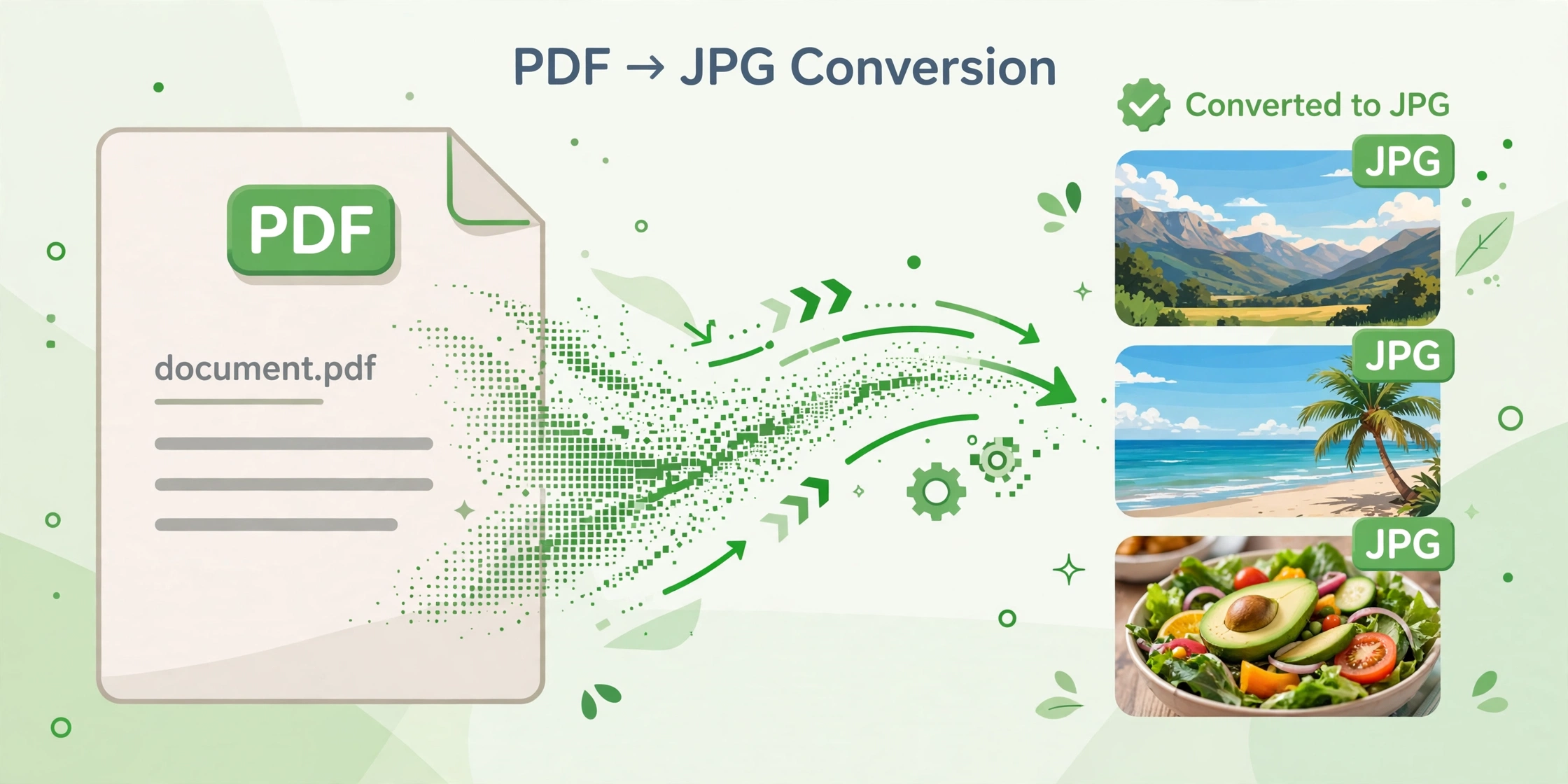
Short answer: You can turn PDF pages into JPG images for free with the PDF to JPG Converter from Bsks. Upload your PDF, click one button, and download each page as a JPG — no sign-up and no watermark.
How to convert PDF pages to JPG step by step
- Open the PDF to JPG Converter.
- Drag your PDF file into the upload box, or click “Select a File” to choose it from your device.
- Click “Generate PDF” to start the conversion.
- Wait a few seconds while each page is turned into a JPG image.
- Download the JPG files to your device.
Practical tips
- Start with a clear PDF. The sharper the original pages, the sharper the resulting JPGs — avoid converting blurry scans if you need crisp images.
- Convert only the pages you need. If a document has many pages, split it first so you are not downloading images you will never use.
- Mind the file size. Full-page JPGs can be large; compress them afterwards if you plan to upload them to a website or send them by email.
- Keep a copy of the PDF. JPGs are images, so the text in them is no longer selectable or searchable — keep the original PDF for reference.
Frequently asked questions
Is the PDF to JPG converter free?
Yes — converting PDF pages to JPG is completely free, with no account needed.
Will my converted images have a watermark?
No. The JPGs you download are clean, with no watermark added.
Can I convert a scanned PDF to JPG?
Yes. Scanned PDFs convert just like any other PDF — each page becomes a JPG image of the scan.