How to Convert JPG to PNG Online for Free

afzal iqbal
Nov 03 /
1 day ago
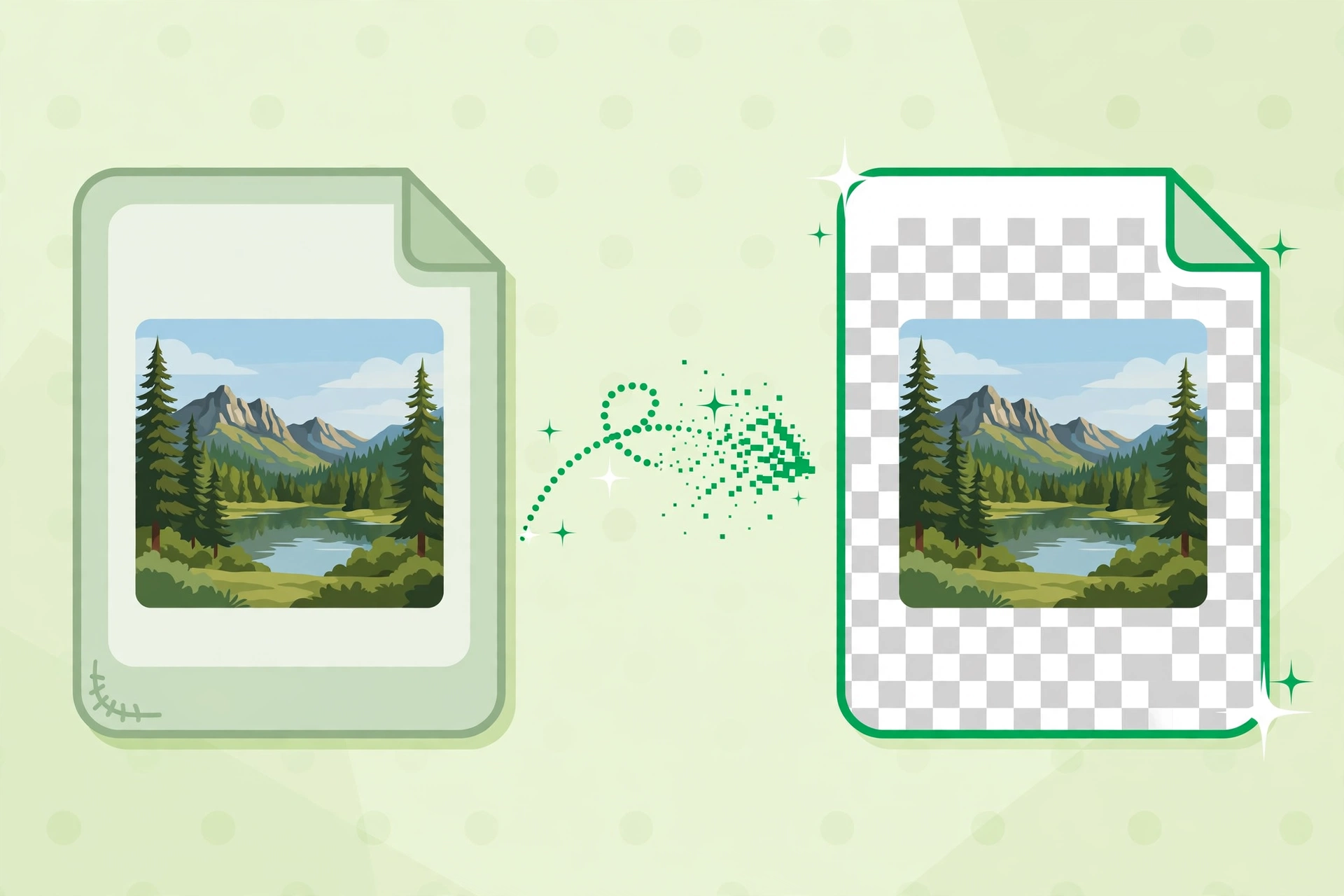
Short answer: You can convert JPG to PNG online for free with the Bsks JPG to PNG Converter — a free jpg to png converter online that needs no sign-up. Upload your JPG, click "Convert to PNG", and download a high-quality PNG in seconds.
How to convert JPG to PNG for free in 3 steps
- Upload your image. Open the JPG to PNG Converter and click "Select a File", or drag your JPG straight into the "Drop Image File Here" area.
- Convert it. Press the "Convert to PNG" button and wait a moment while your image is converted.
- Download your PNG. Save the converted PNG image to your device.
Practical tips
- Know when PNG is right: PNG is lossless, so it suits logos, screenshots and graphics with sharp lines — photos usually stay smaller as JPG.
- Watch the file size: the free tool accepts images up to 1 MB; compress or resize oversized JPGs before uploading.
- Transparency caveat: converting a JPG cannot add transparency — only areas that were transparent in an original PNG stay transparent.
- Check the result: open the downloaded PNG once to confirm the conversion looks right before using it.
Frequently asked questions
Is the JPG to PNG converter free?
Yes. The Bsks JPG to PNG Converter is a free jpg to png converter online with no sign-up required.
Will I lose image quality when converting?
No. PNG is a lossless format, so the conversion keeps your image's quality — the file size may be larger than the original JPG.
What is the difference between JPG and PNG?
JPG uses lossy compression that keeps photos small, while PNG uses lossless compression that keeps every pixel sharp — better for logos, text and graphics.