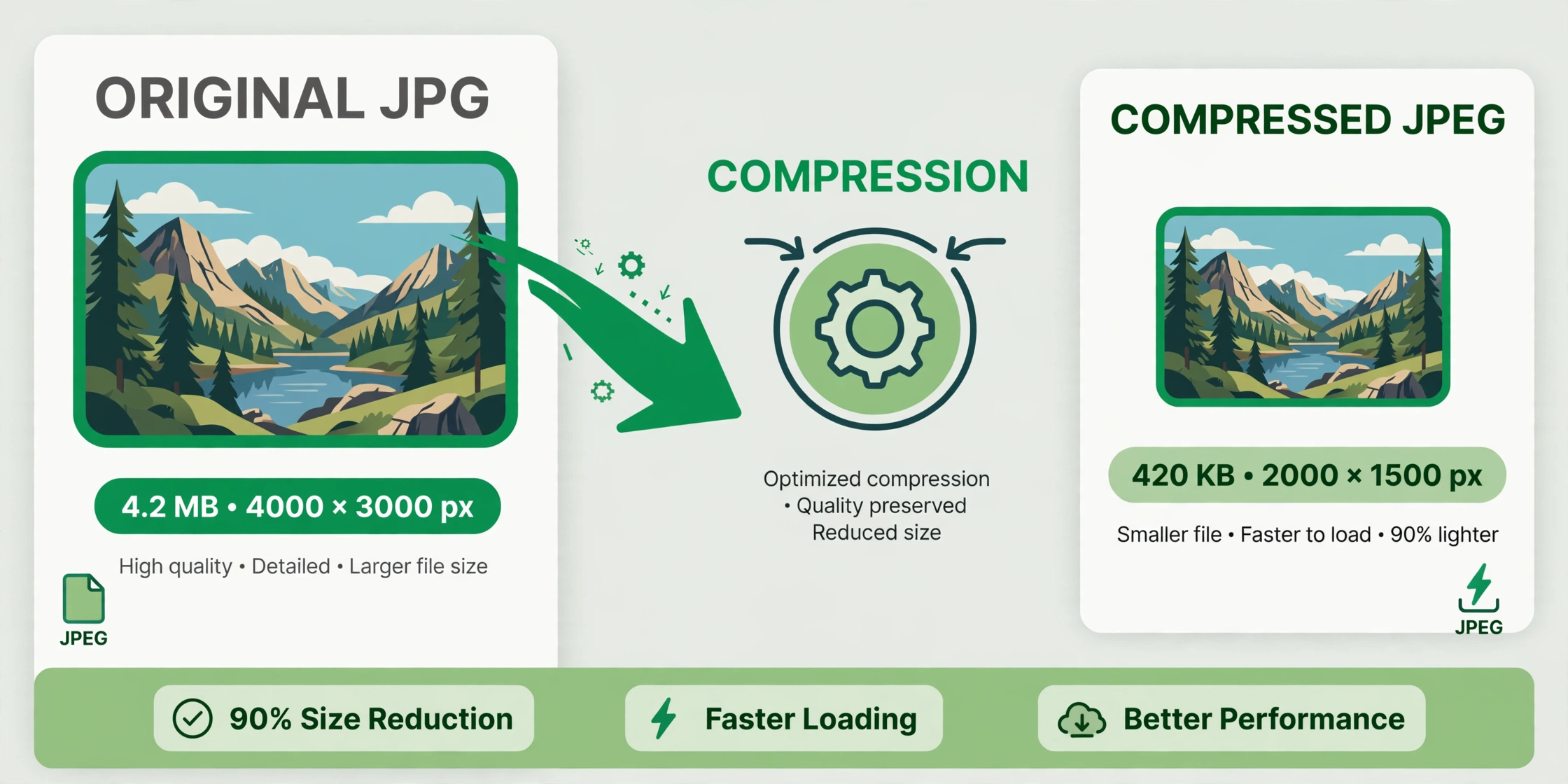
How to Compress JPEG Images Without Losing Quality — Free

afzal iqbal
Nov 02 /
2 days ago
Short answer: You can compress JPEG images for free with the Image Compressor from Bsks. Upload your image (up to 5 MB), click one button, and download a smaller file that still looks sharp — no sign-up needed.
How to compress a JPEG step by step
- Open the Image Compressor.
- Drag your JPEG into the upload box, or click “Select a File” — PNG and JPG files up to 5 MB are accepted too.
- Click “Compress Images”.
- Wait a few seconds while the tool reduces the file size.
- Download your compressed image.
Practical tips
- Compress before uploading. Smaller images make web pages load faster and emails send quicker — compress first, upload second.
- Keep the original. Always keep your uncompressed original somewhere safe, so you can go back if you ever need full quality.
- Check images with text. Photos compress beautifully, but heavy compression can blur fine text or small logos — look at the result before publishing.
- Compress in batches. If you have several images for one page or post, run each through the compressor for consistent, fast-loading results.
Frequently asked questions
Is the JPEG compressor free?
Yes — compressing JPEG images is completely free, with no account needed.
Will compression ruin my image quality?
The tool reduces file size while keeping visual quality high. For typical photos shared online, the difference is hard to notice.
What is the maximum file size?
You can upload images up to 5 MB. If your file is larger, resize it first and then compress.