How to Check Your Keyword Rankings for Free — No Sign-Up

Short answer: You can check your keyword rankings for free in under a minute with the Keyword Search Position Checker from Bsks. There is no sign-up and nothing to install — just enter your website address and the keywords you want to track, and the tool shows where each page ranks on Google.
How to check your keyword rankings step by step
- Open the Keyword Search Position Checker.
- Type your website URL into the “Enter URL” field.
- Choose your target country from the country dropdown — the default is the United States, so change it if your audience is elsewhere.
- Enter your keywords in the keywords box, one keyword per line.
- Optional: add up to three competitor URLs if you want to compare your positions against rival sites.
- Click “Get Keywords Insights” and wait a few seconds for your results.
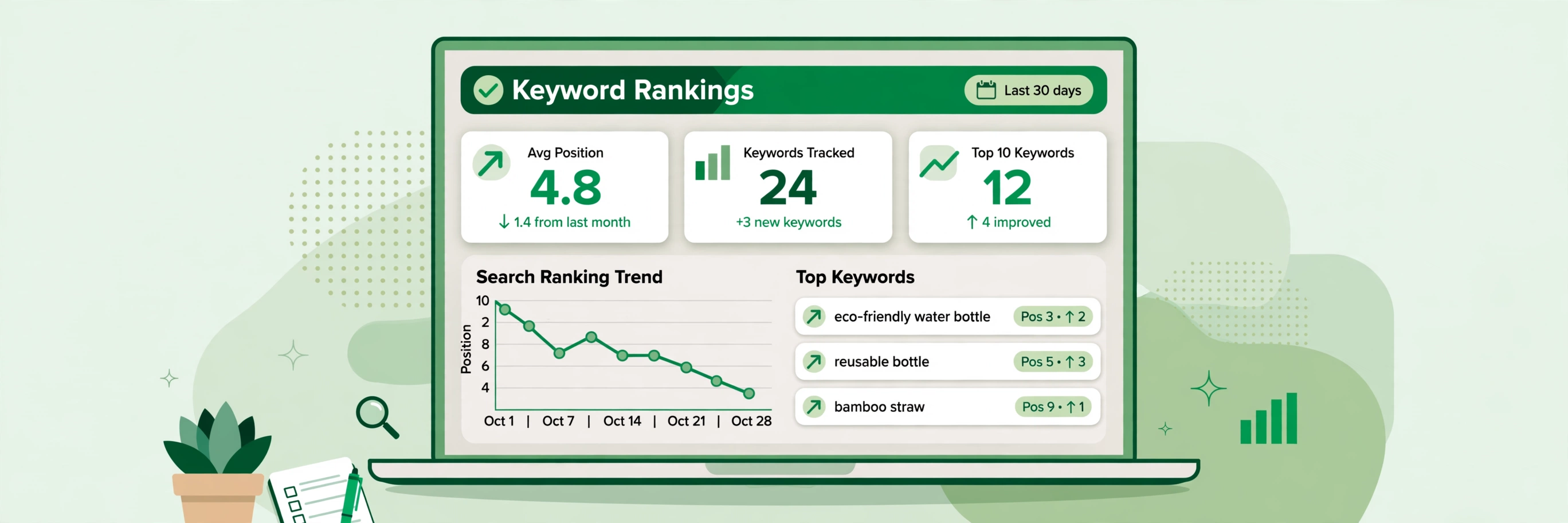
The results show the ranking position of each keyword for your URL, so you can see at a glance which terms put you near the top and which pages need more work.
Practical tips for tracking rankings
- Check the right country. Rankings differ between countries, so set the country to where your readers or customers actually search.
- Track a focused list. A short list of terms that describe your pages is more useful than a long list of vague words — re-check the same list regularly to spot trends.
- Compare with competitors. Adding competitor URLs shows where rival sites outrank you, which points to the pages most worth improving.
- Re-check after making changes. When you update a page’s title, headings or content, run the check again after a few days to see whether its position moved.
Frequently asked questions
Is this keyword rank checker really free?
Yes. The Keyword Search Position Checker is free to use and does not ask you to create an account.
Do I need to install anything?
No. It runs entirely in your browser — open the page, enter your details and get your results.
Why do my rankings look different from what I see when I search myself?
Google personalises results based on your location, search history and device. A rank checker queries from a neutral setup, which gives a steadier reading. Make sure the country setting matches your audience.