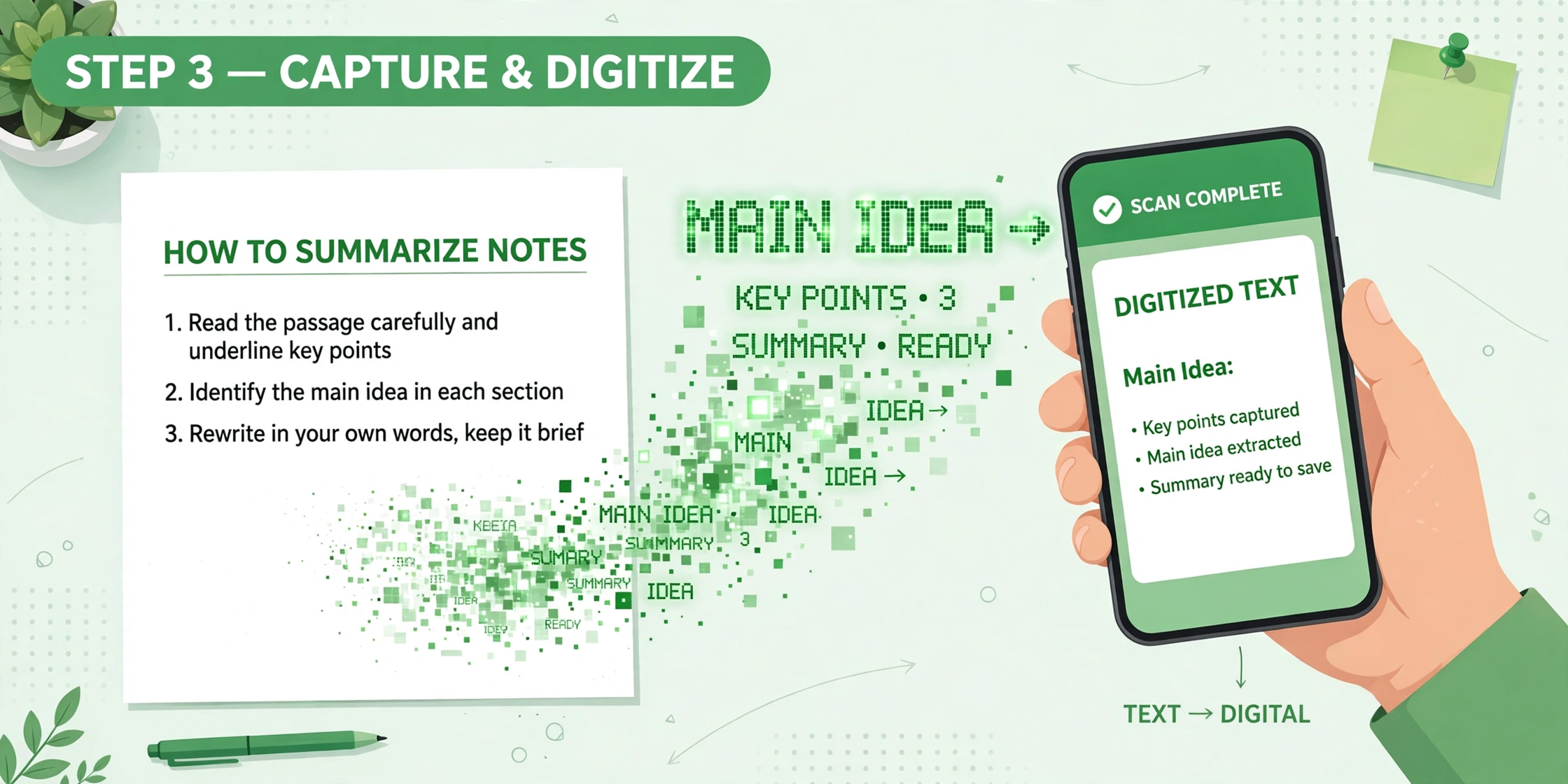
How to Extract Text from a Photo in Seconds — Free, No Sign-Up

Yes — you can extract text from a photo in seconds. Upload the photo to a free image-to-text tool, let it read the words, then copy the result. No sign-up is needed on Bsks.
Steps
- Open the image-to-text converter — upload your photo (a clear, well-lit photo works best).
- Wait a few seconds while the tool reads the text, then copy the extracted text.
- If you need an editable Word-style file from a photo, use the JPG to Word tool.
Tidy it up
Count or check your text with the word counter — and fix letter casing with the case converter.
Photo tips
Take the photo straight-on (not at an angle), use good light, avoid blur and shadows over the words, and crop out unrelated background before uploading.
FAQs
Is extracting text from a photo free?
Yes, on Bsks the image-to-text tool is free and needs no sign-up.
Does it work with handwritten notes?
Printed, clear text works best; handwriting results vary with how neat and clear the writing is.
Do I need to install anything?
No — it works in your browser, nothing to install.
Tested on Bsks tools — the steps above use the free Bsks image-to-text, JPG to Word, word counter and case converter tools.