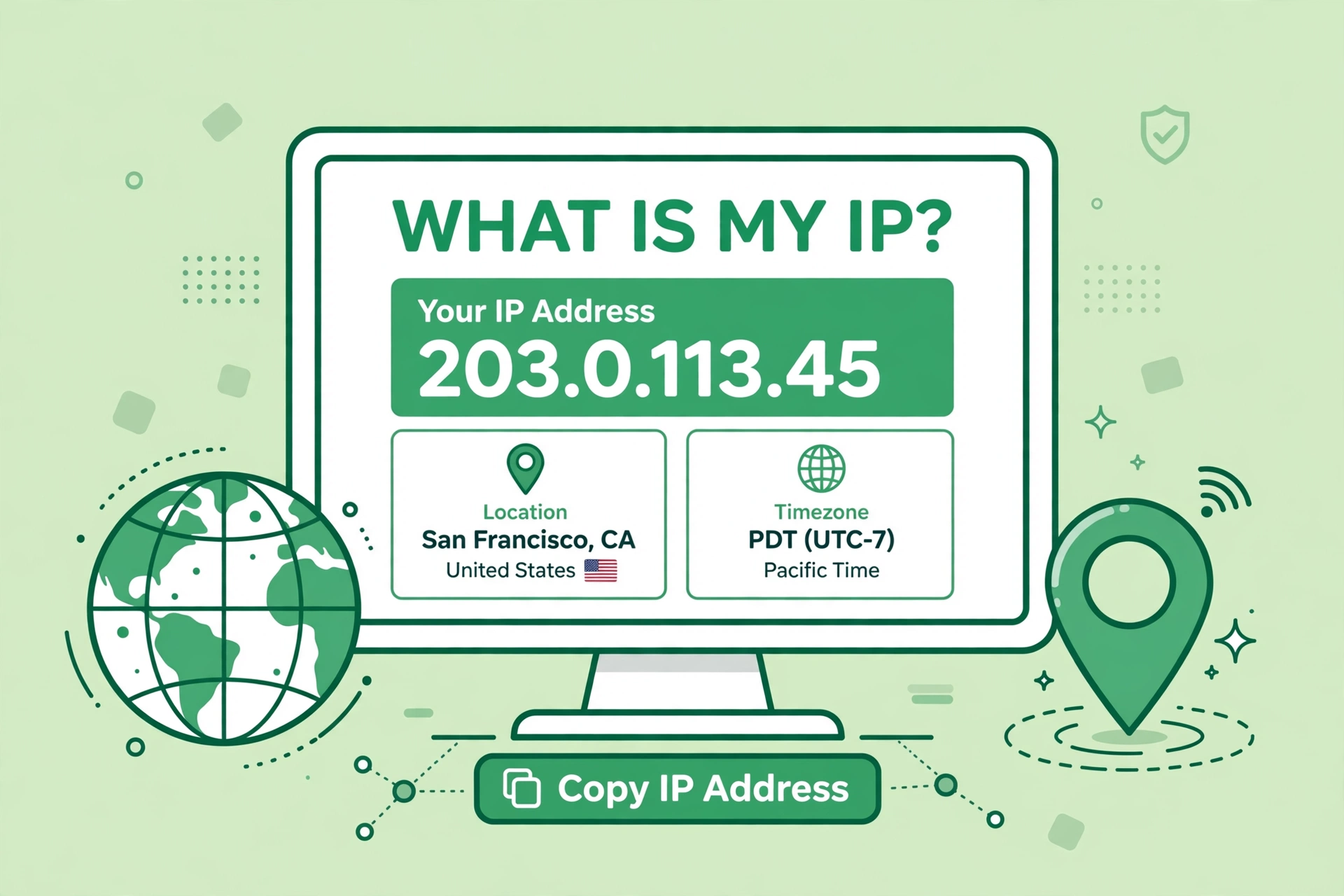
What Is My IP? Check Your Public IP Address Online

Your public IP address is the number the internet uses to find your device. Every time you visit a website, send an email or stream a video, that address travels with the request. This guide explains what it is, how to check it and what it can — and cannot — reveal about you.
What is my public IP address?
A public IP address is the address your internet provider gives to your home or mobile connection. It is shared by every device on that connection, so your phone, laptop and smart TV all show the same public address when they go online. It is different from a private address, which only works inside your own network.
How to check your public IP address
- Open the What Is My IP tool in your browser.
- Your public IP address appears on the page at once, with no typing needed.
- Press Show More Details to see your location, provider and time zone.
- Use the copy button to copy the address when a support team or a service asks for it.
What your IP address reveals
An IP address can show your rough location, usually your city or region, and the name of your internet provider. It does not show your name, your exact street address or the contents of your device. Even so, it is worth treating it with care: share it only when you need to, and avoid posting it in public forums or chat rooms.
Why your IP address changes
Most home connections use a dynamic address, which means your provider can change it from time to time, often when your router restarts. A static address stays the same, and it is usually supplied to businesses that run servers. If your address changes, that is normal, and it does not mean anything is wrong.
FAQs
What is my public IP?
Open the tool above and it shows your current public IP address at once, free and with no sign-up.
Is my IP address the same on Wi-Fi and mobile data?
No. Wi-Fi and mobile data use different connections, so each one shows a different public address.
Can someone find my home address from my IP?
No. An IP address gives only a rough location, such as a city or region, not a street address.
How do I hide my IP address?
A VPN or a proxy can mask it, but the simplest first step is to check what your address shows and who you share it with.
Curious what the internet sees? Check your public IP address online now — it takes a few seconds and needs no sign-up.