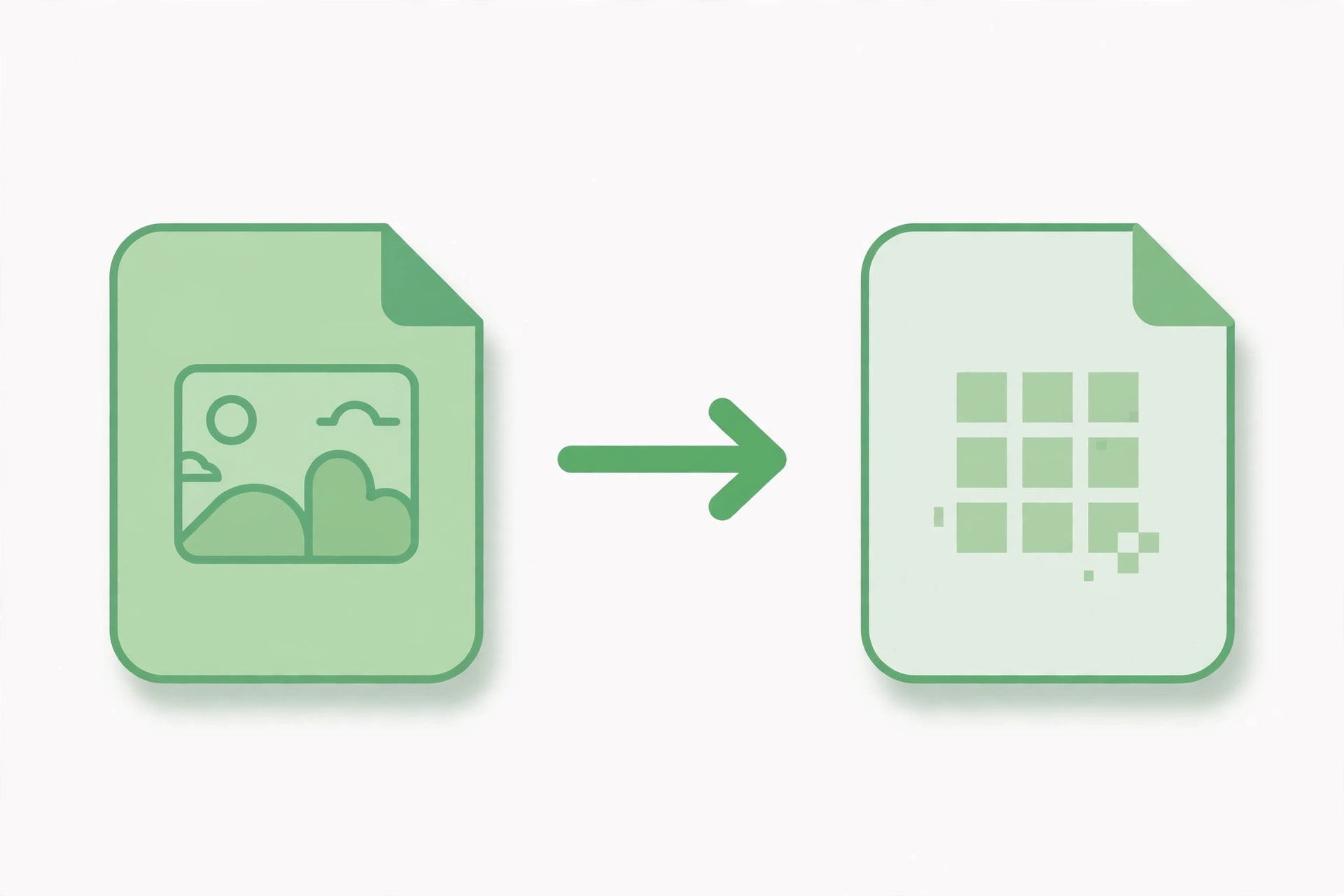
WebP to PNG: Convert WebP Images to PNG Free

WebP to PNG conversion is useful whenever you need a modern image file in a format that works everywhere. WebP images are small and sharp, but some apps, websites and older devices cannot open them. Our free WebP to PNG converter turns your WebP images into PNG files in seconds, with no software to install and no account needed.
Why Convert WebP to PNG?
WebP is a newer image format made by Google, and it keeps file sizes small without losing much quality. The problem is that not every program supports it yet. Photo editors, messaging apps and some websites still need a PNG or JPG. A PNG version of your image will open anywhere, keep its quality, and work with almost any app.
How the WebP to PNG Converter Works
Open the free WebP to PNG converter, upload your WebP image, and the tool turns it into a PNG file straight away. You can convert one image or several at once, and the PNG keeps the detail of the original. The file is ready to download in seconds, and your images are not stored on our servers.
How to Convert WebP to PNG in Seconds
- Open the WebP to PNG converter and upload the WebP image you want to convert.
- Add more images if you want to convert several at the same time.
- Click convert and wait a few seconds while the tool creates your PNG files.
- Download the finished PNG and save it, share it or use it in your project.
When to Use WebP to PNG
Use it to open a downloaded WebP image in a photo editor, share a picture with someone whose device cannot open WebP, or prepare images for a website or document that needs PNG files. It is also handy for social media posts, presentations and print work, where PNG is the safer choice.
Tips for a Good PNG
Start with the best quality WebP you have, so the PNG stays sharp and clear. If your WebP has a transparent background, the PNG will keep it, which is ideal for logos and icons. Check the finished image once before you share it, and keep your original WebP file in case you need it again.
Frequently Asked Questions
Is the WebP to PNG converter free?
Yes, the WebP to PNG converter is free to use, with no account or software needed.
Will my PNG keep the quality of the WebP?
Yes, the converter keeps the detail of your original WebP image in the finished PNG.
Does the PNG keep transparency?
Yes, if your WebP image has a transparent background, the PNG keeps it.
Convert Your WebP to PNG Now
Try our free WebP to PNG converter. Upload your WebP image, convert it in seconds, and download a PNG that is ready to use anywhere.