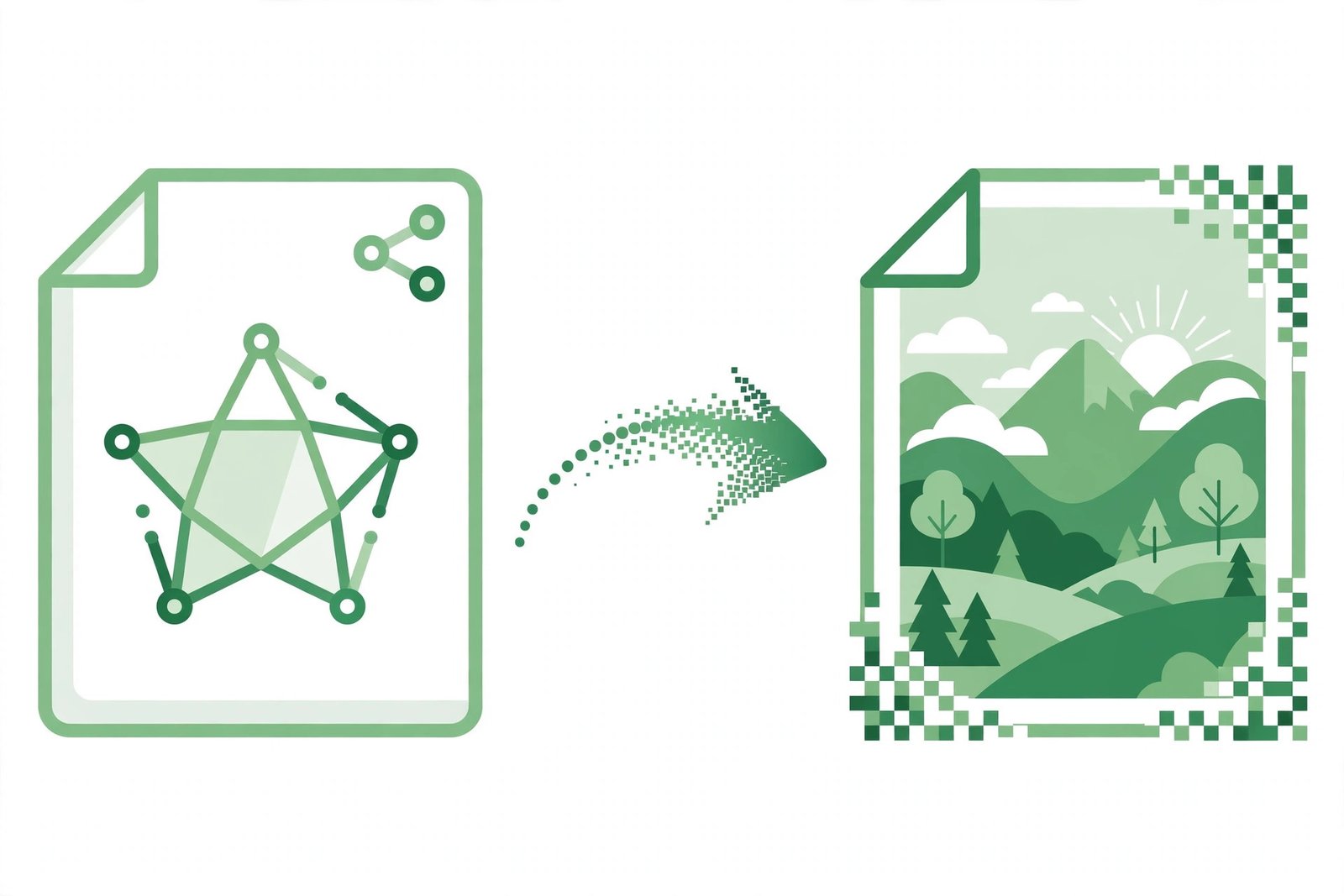
Turn SVG Into PNG: How to Convert SVG Files to PNG Online Free

Short answer: Use the free SVG to PNG Converter on Bsks. Upload your SVG file, make sure PNG is selected, click Convert to PNG, then download the result. Transparency is kept, and your file never leaves your browser.
How to turn SVG into PNG
- Open the SVG to PNG Converter on Bsks.
- Drag and drop your SVG file onto the tool, or click Select a File to choose it. The maximum file size is 10 MB.
- Make sure PNG is selected as the output format — the tool also offers JPG, WebP and ICO.
- Click Convert to PNG.
- Click Download PNG to save the converted image.
Because the conversion happens in your browser, no file is uploaded to a server. If your SVG uses transparency, the PNG keeps the transparent background.
Tips for a clean conversion
- Use a valid SVG file — the tool reports an error if the file cannot be read.
- Keep files under the 10 MB limit; compress or split larger graphics first.
- Choose WebP instead of PNG if you need a smaller file for the web.
- Check the downloaded PNG at full size before using it in a design or document.
Frequently asked questions
How do I turn an SVG into a PNG?
Upload the SVG file to the free SVG to PNG Converter on Bsks, select PNG as the output format, click Convert to PNG, then click Download PNG. The conversion runs in your browser, so it is fast and private.
Does the converter keep transparency?
Yes. If your SVG uses transparency, the converter preserves it in the PNG, so the image keeps its transparent background.
Is the SVG to PNG converter free?
Yes. The SVG to PNG Converter on Bsks is free to use, with no sign-up and no download. Your files are processed in your browser and never uploaded.