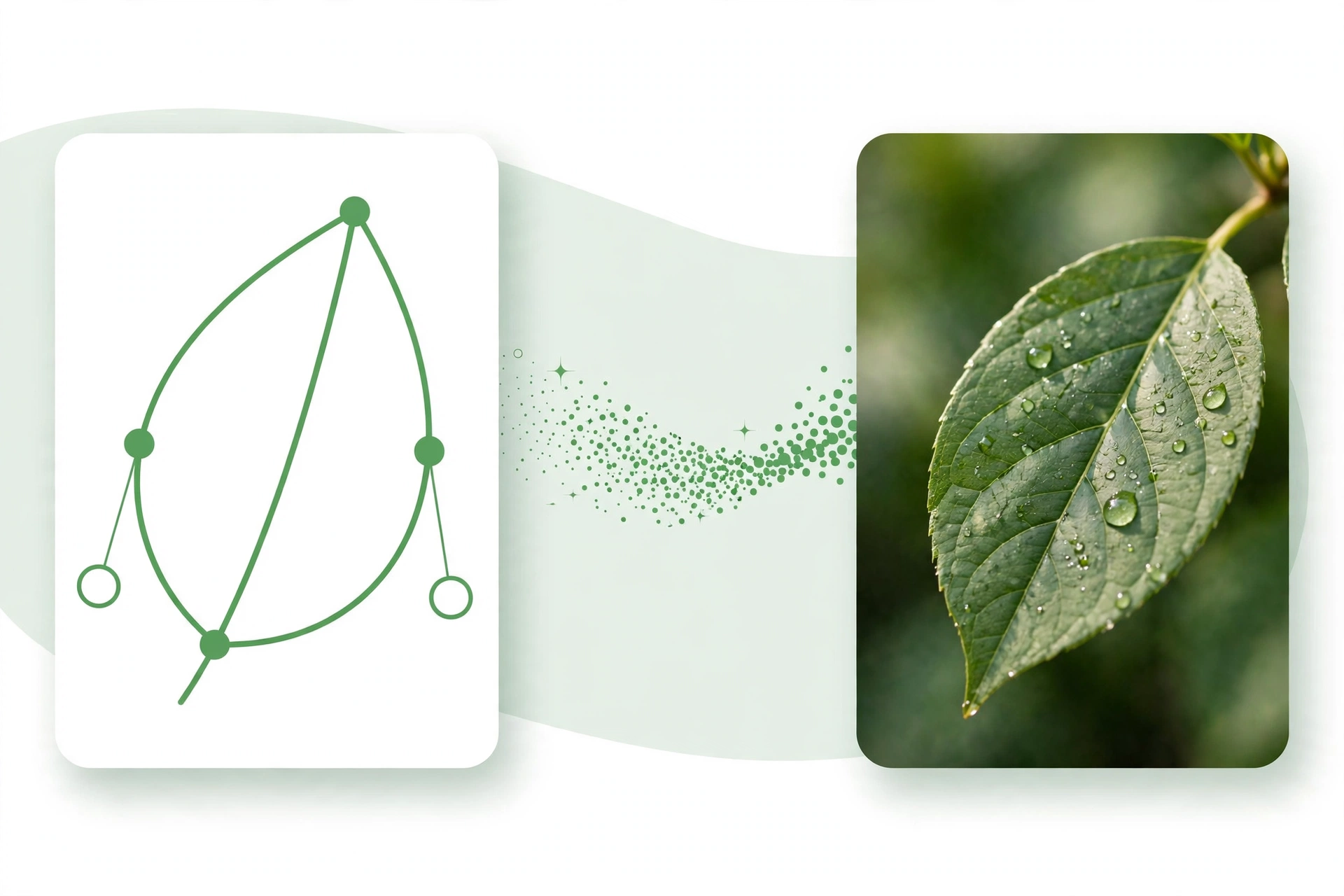
SVG to JPG: Convert Vector Graphics to JPG Online

SVG to JPG conversion is handy whenever you need a vector image in a format that works everywhere. SVG files look sharp at any size, but many apps, websites and email systems only accept JPG. Our free SVG to JPG converter turns your vector graphics into JPG images in seconds, with no software to install and no account needed.
Why Convert SVG to JPG?
SVG is a vector format, which means it is made of shapes and lines instead of pixels. That makes it perfect for logos and icons, but not every platform can display it. Social media sites, photo apps and document editors often need a JPG instead. A JPG version of your image will open anywhere, share easily and print without trouble.
How the SVG to JPG Converter Works
Open the free SVG to JPG converter, upload your SVG file, and the tool turns it into a JPG image straight away. You can choose the size and quality you need, so the finished image looks just right. The file is ready to download in seconds, and your images are not stored on our servers.
How to Convert SVG to JPG in Seconds
- Open the SVG to JPG converter and upload the SVG file you want to convert.
- Choose the output size and quality for your JPG image.
- Click convert and wait a few seconds while the tool creates your JPG.
- Download the finished JPG and save it, share it or upload it where you need it.
When to Use SVG to JPG
Use it to turn a logo into a JPG for social media, prepare an icon for a document, or share a vector drawing with someone who cannot open SVG files. It is also handy for websites and online forms that only accept JPG uploads. Any time a vector file needs to work like a normal photo, a JPG is the answer.
Tips for a Good JPG
Pick a large enough output size so the JPG stays sharp, and use a white background if your SVG has transparent areas, since JPG does not support transparency. Check the finished image once before you share it, and keep your original SVG file so you can convert it again at a different size later.
Frequently Asked Questions
Is the SVG to JPG converter free?
Yes, the SVG to JPG converter is free to use, with no account or software needed.
Will my JPG keep the quality of the SVG?
Yes, the converter renders your SVG at the size you choose, so the JPG stays sharp and clear.
Does JPG support transparency?
No, JPG does not support transparent backgrounds, so transparent areas become a solid colour.
Convert Your SVG to JPG Now
Try our free SVG to JPG converter. Upload your SVG, convert it in seconds, and download a JPG that is ready to share or use anywhere.