Photo Sizes: Standard Dimensions and How to Resize Any Photo

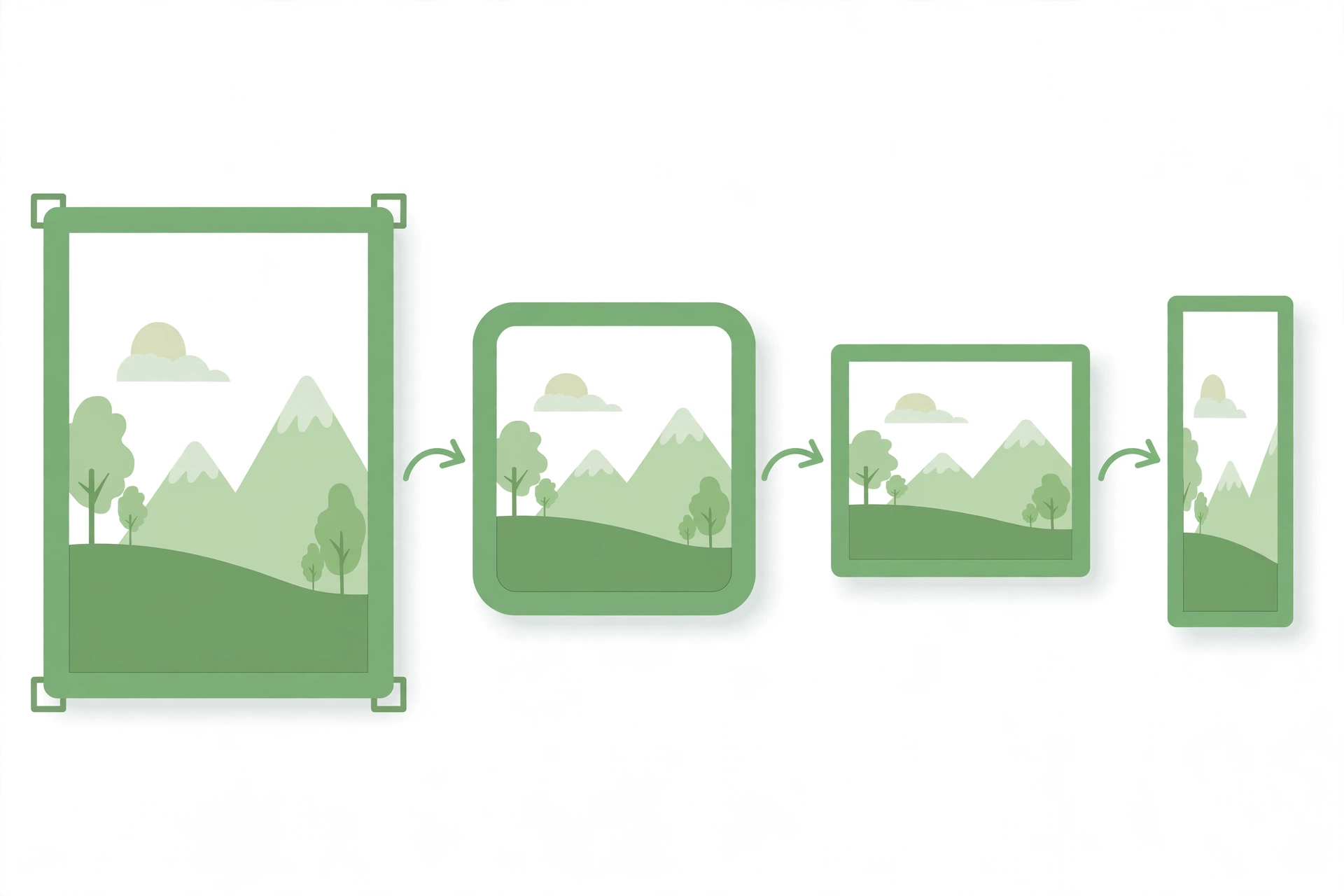
Photo sizes are the standard dimensions a photo should be for printing, sharing online or using as an ID photo. Using the wrong size can crop out part of a photo, blur it or leave it too small for its purpose. This guide explains the standard sizes and how to resize any photo to fit them in seconds.
Standard Print Photo Sizes
The most common print sizes are 4 x 6 inches for a standard photo print, 5 x 7 inches for a larger print and 8 x 10 inches for a framed photo. A 4 x 6 print is 1200 x 1800 pixels at 300 dots per inch, which is the quality most printers use. Larger prints need more pixels, so check the size before you print or the photo may look soft.
Social Media Photo Sizes
Each social media platform crops photos differently. A square Instagram post is usually 1080 x 1080 pixels, a Facebook profile photo is 170 x 170 pixels and a Facebook cover photo is 820 x 312 pixels. An X profile photo is 400 x 400 pixels, a LinkedIn profile photo is 400 x 400 pixels and a YouTube thumbnail is 1280 x 720 pixels. Always check the current size for the platform before you upload.
ID and Passport Photo Sizes
ID and passport photos have strict sizes. A UK passport photo is 35 x 45 millimetres, and a US passport photo is 2 x 2 inches. The photo must show your face clearly, with a plain background and no shadows. If the size is wrong, the application may be rejected, so measure the photo carefully before you submit it.
How to Resize a Photo to Any Size
- Open the Image Resizer and upload the photo you want to resize.
- Choose the width and height you need, for example 1080 x 1080 for a square post.
- Keep the aspect ratio locked if you do not want the photo to stretch.
- Check the preview, then download the resized photo.
Tips for Choosing the Right Photo Size
Start with the largest version of your photo, because making a small photo bigger will blur it. Keep the aspect ratio the same when you can, and crop the photo first if the shape does not match the size you need. Save a copy of the original photo, so you can resize it again for a different size later.
Frequently Asked Questions
What is the most common photo size?
The most common print size is 4 x 6 inches, and the most common square size for social media is 1080 x 1080 pixels.
What size is a passport photo?
A UK passport photo is 35 x 45 millimetres, while a US passport photo is 2 x 2 inches. Always check the rules for your country.
Can I resize a photo without losing quality?
Yes, if you make a photo smaller it keeps its quality. Making a small photo much bigger can blur it, so start with a large original.
Resize Your Photo Now
Try our free Image Resizer. Choose the size you need, resize your photo in seconds and download it ready to print or share.