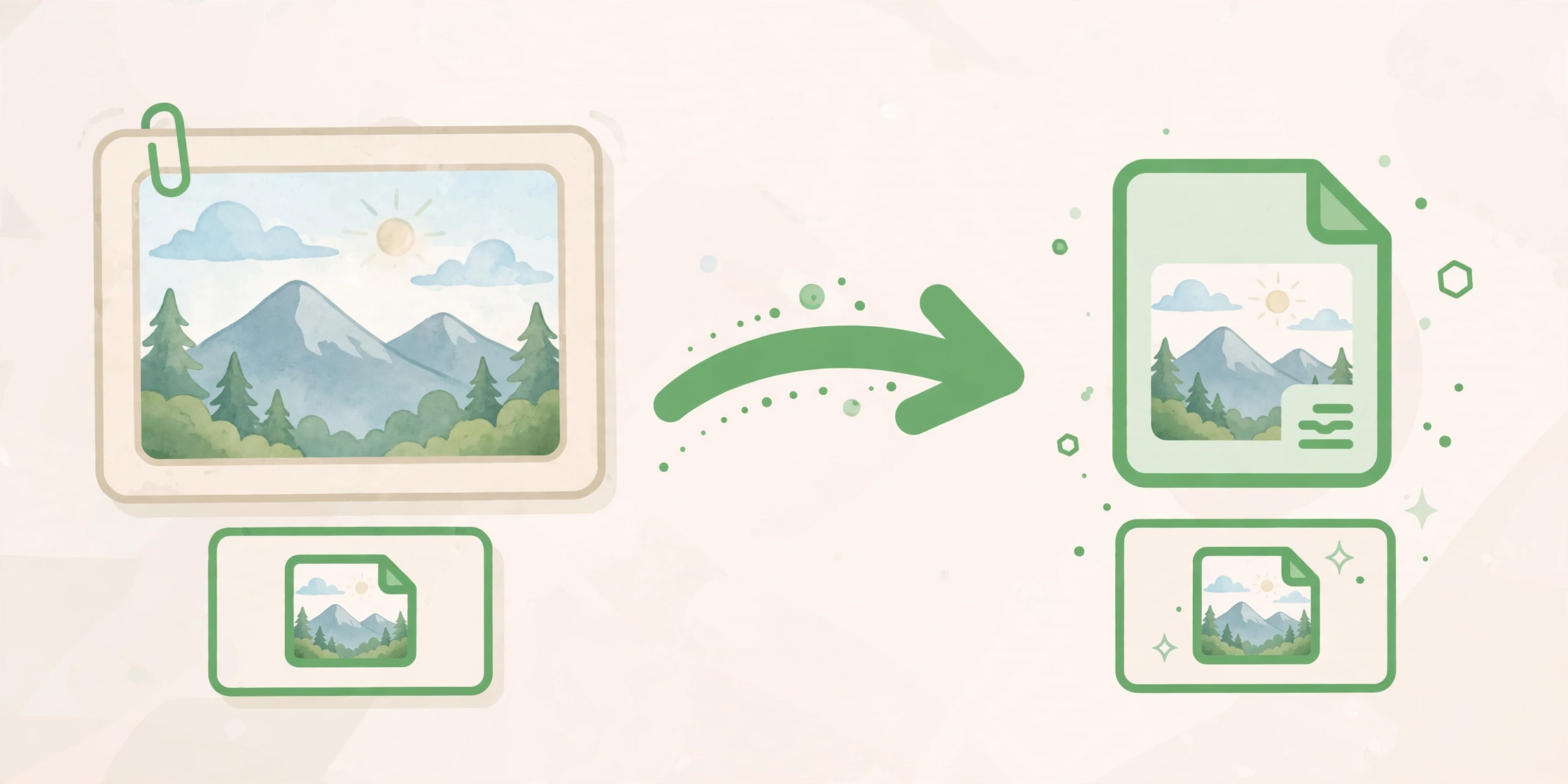
How to Convert JPG to WebP Free Online

afzal iqbal
Nov 06 /
3 hours ago
Short answer: Converting JPG to WebP makes a smaller image file that loads faster on the web. Use the free JPG to WebP Converter on Bsks: choose a JPG or PNG image, set the quality, press "Convert to WebP", and download the result. Your image never leaves your browser.
How to convert JPG to WebP
- Open the JPG to WebP Converter on Bsks.
- Press "Choose a JPG or PNG image" and pick a file, or drop the image onto the page.
- Set the quality. 85 is a good balance between size and sharpness.
- Enter a maximum width only if you want to resize the image as well.
- Press "Convert to WebP", then download the WebP file from the result panel.
Tips for smaller WebP files
- Quality 85 keeps most detail while cutting the file size.
- Lower the quality to 70-75 for photos that only need to look good on screen.
- Resize to the width the image will actually be shown at. A smaller width means a smaller file.
- WebP works in all modern browsers, so you can use it for website images without worry.
Frequently asked questions
Is the JPG to WebP converter free?
Yes. The JPG to WebP Converter on Bsks is free to use, with no download, no account and no sign-up.
Are my images uploaded anywhere?
No. Conversion runs in your browser, so your image never leaves your device. You can convert private photos without uploading them to a server.
What quality should I choose?
85 is a good default. It keeps most of the detail while cutting the file size well. Use 70-75 for photos shown only on screen, and 90 or above if you need the sharpest result.