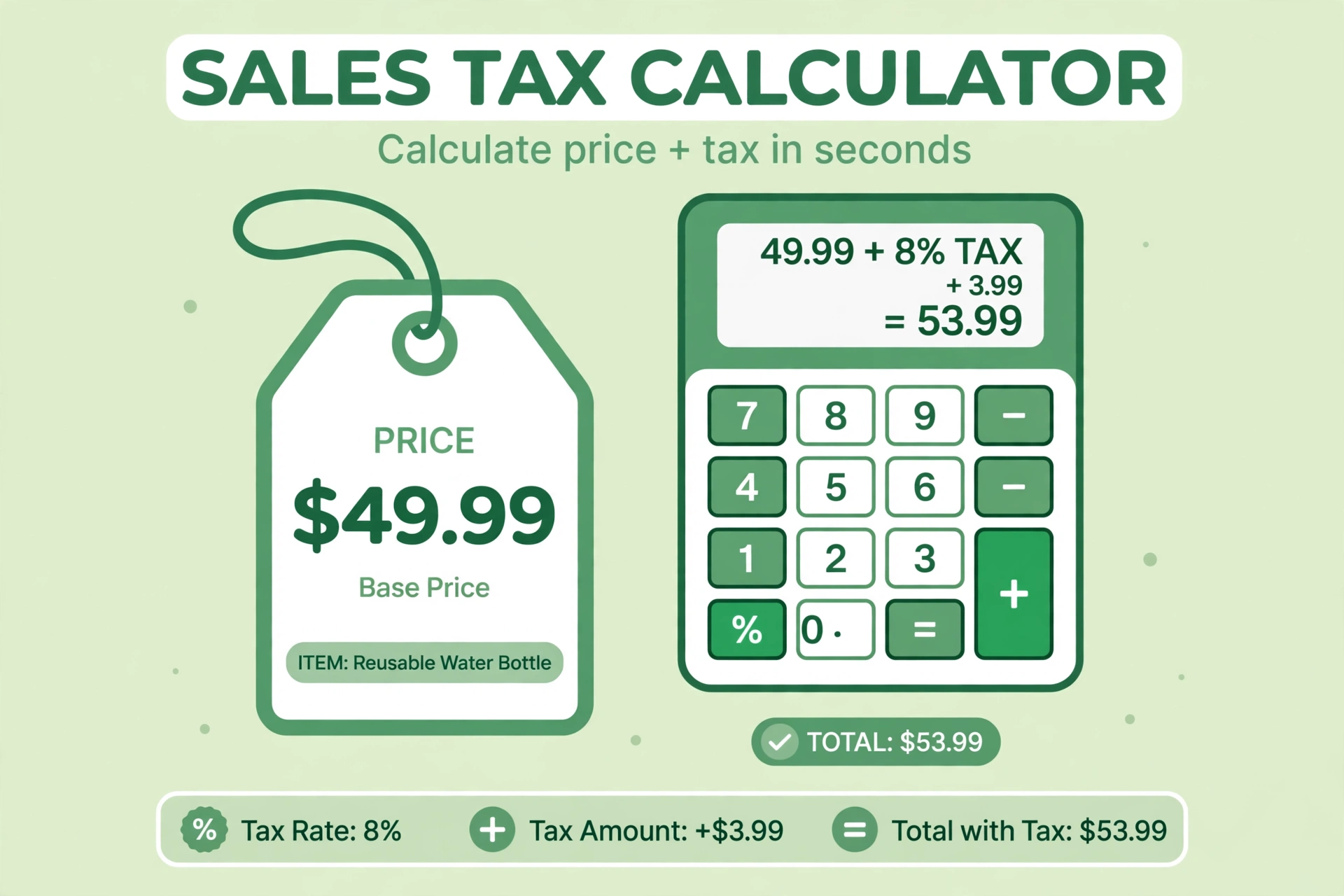
How to Add Sales Tax to a Price: Free Sales Tax Calculator

Adding sales tax to a price takes one short calculation, yet many people get it wrong by adding the wrong percentage or rounding too early. This guide shows the simple formula, a worked example and the common mistakes to avoid, so the total on your receipt always matches the price you charge.
The simple formula for adding sales tax
Take the price before tax, multiply it by the tax rate as a decimal, and add the result to the price. In short: total = price + (price × rate). For a $100 item at 10%, the tax is $10, so the total is $110. Keep the rate as a decimal — 10% becomes 0.10 — and the maths stays simple.
How to add sales tax to a price
- Write down the price before tax and the tax rate for your area.
- Turn the rate into a decimal by dividing it by 100. A rate of 8% becomes 0.08.
- Multiply the price by that decimal to find the tax amount.
- Add the tax amount to the price to get the total your customer pays.
- Round the final total to two decimal places.
Worked example
A shop sells a lamp for $80 before tax, and the local rate is 7.5%. The tax is $80 × 0.075, which is $6.00. Add that to $80 and the total is $86.00. If the price already includes tax, the tool can work backwards too: choose the Inclusive option and it splits the total into the net price and the tax part.
Common mistakes to avoid
The most common mistake is adding the rate to the wrong figure, such as a discounted price after the discount was already taken off. Another is rounding the tax before adding it, which can leave the total a cent or two out. Always work from the price before tax, keep the full figures until the last step, and check the result with a calculator before you print a receipt.
FAQs
How do I add 10% sales tax to a price?
Multiply the price by 0.10 to find the tax, then add it to the price. A $50 item becomes $55.
What if the price already includes tax?
Use the Inclusive mode on the calculator. It pulls the tax out of the total and shows the price before tax.
Which tax rate should I use?
Use the rate for the place where the sale happens. Rates vary by state, county and city, so check the local rate before you charge.
Is the sales tax calculator free?
Yes. It is free on Bsks, with no sign-up, and it shows the tax amount, the net price and the gross total.
Skip the manual maths and check your totals with the free sales tax calculator — enter the price and rate, and it gives you the tax and the total in seconds.