HEIC to PNG: Convert HEIC Files to PNG Online for Free

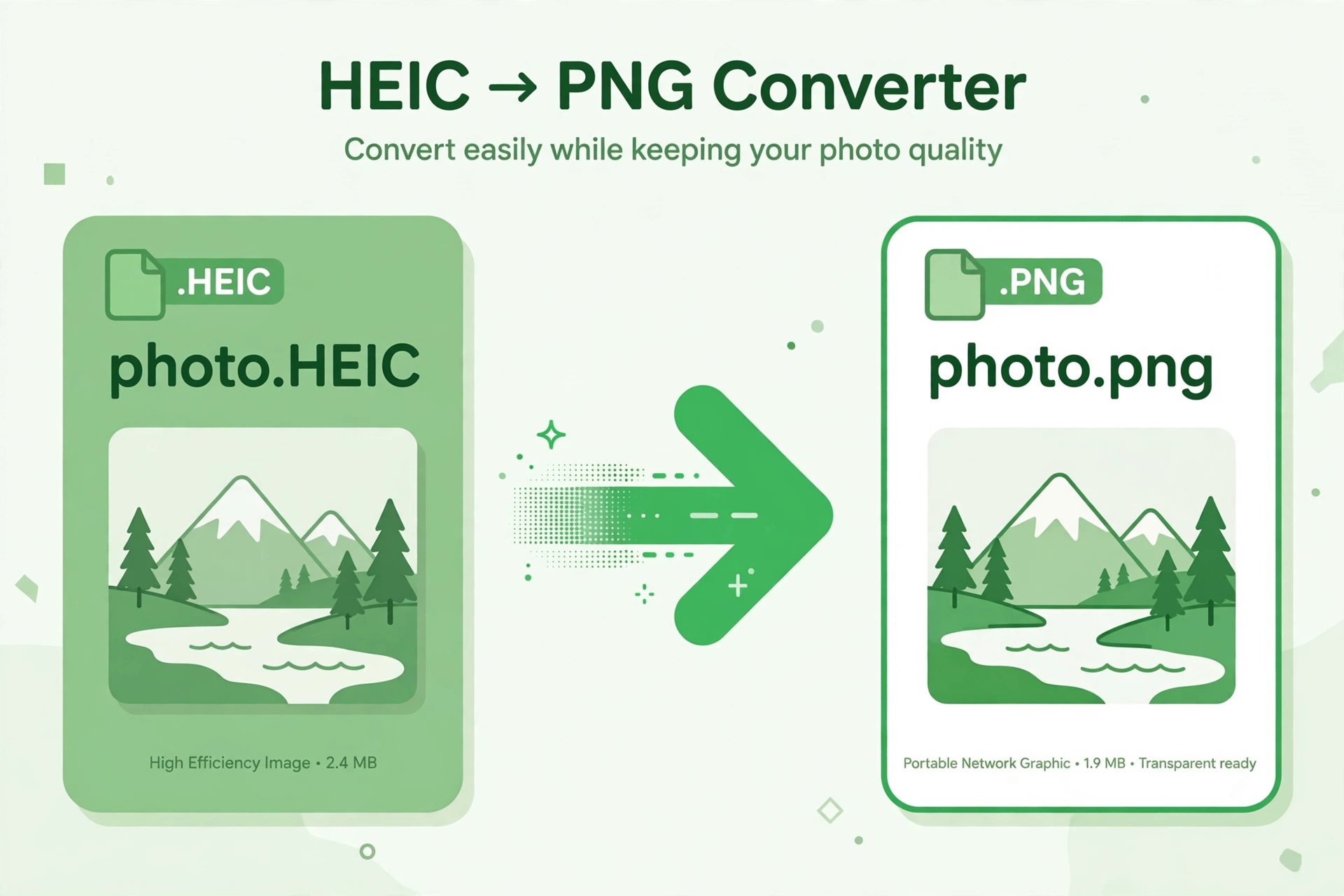
iPhone photos often arrive as HEIC files, and many apps, websites and older devices still cannot open them. Converting those pictures to PNG solves the problem in seconds. This guide explains why the change helps, how to do it without installing software, and how to keep your image quality intact.
Why Convert HEIC to PNG?
HEIC keeps photos small on an iPhone, but PNG is far more widely supported. PNG files open in almost every browser, editor, messaging app and operating system, and they preserve sharp edges and fine detail. If you need to share a screenshot, upload a product photo or edit an image in a program that rejects HEIC, PNG is the safer choice.
How to Convert HEIC to PNG Online
You do not need to install an app or create an account. Follow these steps:
- Open the free HEIC to PNG converter.
- Upload your HEIC file from your phone or computer.
- Check the preview to confirm you chose the right image.
- Click convert and wait a few seconds while the file is processed.
- Download the finished PNG and check that it opens correctly.
The whole process usually takes less than a minute for a single photo, and you can repeat it for as many files as you need.
HEIC vs PNG: What Is the Difference?
HEIC uses modern compression, so files are smaller at similar quality, but support remains uneven outside Apple devices. PNG uses lossless compression, so it keeps every pixel exactly as captured, at the cost of a larger file. For sharing, editing and long-term storage across different platforms, PNG remains the more practical format.
Tips for the Best Results
- Start with the original HEIC file rather than a compressed copy.
- Convert one image at a time when quality matters most.
- Keep the PNG as your master copy if you plan further edits.
- Rename the converted file clearly so you can find it later.
Frequently Asked Questions
Is converting HEIC to PNG free? Yes, the online converter is free to use, with no sign-up required.
Will I lose image quality? No, PNG is lossless, so the converted image keeps the detail of the original photo.
Can I convert HEIC files on a Windows PC? Yes, the tool works in a browser on Windows, Mac, Android and iOS.
Do I need to install any software? No, everything runs online, so there is nothing to download or install.
Ready to make your iPhone photos easy to share anywhere? Try the free HEIC to PNG converter now and turn your HEIC files into PNGs in seconds.