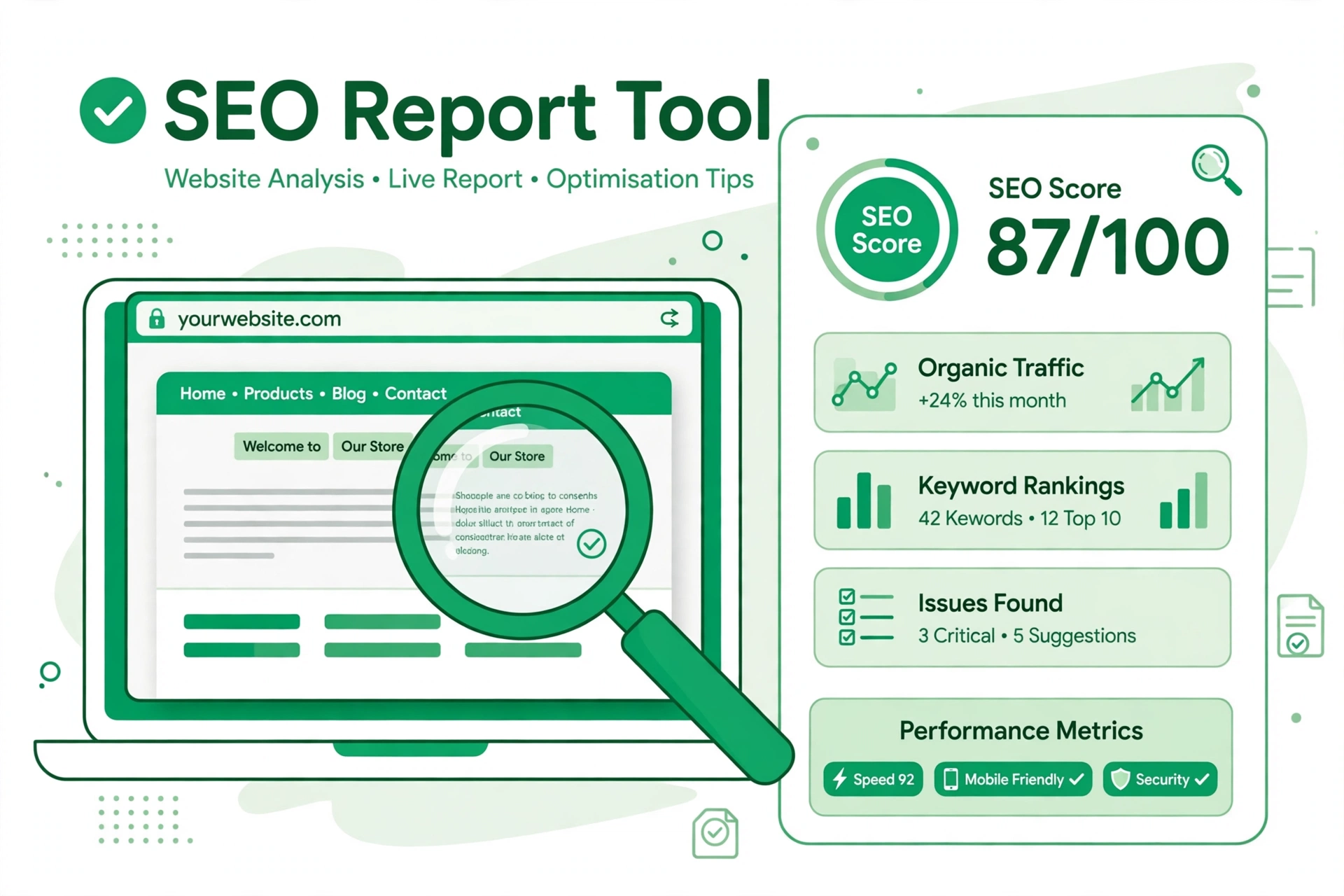
Free SEO Analysis Tool Online: Check Your Website's SEO Report

A free SEO analysis tool online can show, in minutes, how well a website is set up for search. Instead of guessing what to fix, you get a score, a list of issues and a sensible order for tackling them. This guide explains what the report covers, how to run one and how to act on the results.
What the SEO report checks
The report looks at the parts of a page that search engines notice first. It checks the title and meta description, the headings, the words on the page and the links. It also looks at speed, page size, security and whether the page works well on a phone. Each check is marked as passed or as an issue, so you can see at a glance where the page stands.
How to check your website's SEO
- Open the free SEO analysis tool and paste in the full address of the page you want to check, starting with https://.
- Press Generate Report and wait while the tool reads the page.
- Read the overall score first, then work through the high issues at the top of the list.
- Fix one group of issues, save the page, and run the report again to see the score move.
How to read your SEO score
The score runs from 0 to 100. A score near the top means the basics are in good shape; a low score means several simple fixes are waiting. Do not chase a perfect score. Focus on the high issues, because those are the ones most likely to hold a page back. Speed, a missing meta description and a short or vague title are common examples, and all three are quick to put right.
Common issues the report flags
Missing meta descriptions are frequent, as are titles that are too short to say what the page is about. Pages with no main heading, slow loading times and missing security headers also appear often. Each item in the report explains the problem in plain words, so you can fix it without needing to be a search specialist.
FAQs
Is the SEO analysis tool free?
Yes. The tool on Bsks is free to use and asks for no sign-up.
What does the SEO score mean?
It is a simple summary of how many checks the page passed. A higher score means fewer issues were found.
How often should I run a report?
Run one whenever you publish or change an important page, and again after you have fixed the issues it flagged.
Do I need to install anything?
No. The report runs in your browser, and you can print it or start a fresh report from the results page.
Ready to see how your site measures up? Run the free SEO analysis tool now and work through the fixes it suggests, starting with the high issues.