Find IP Address Location: Free IP Location Lookup

Every device on the internet has an IP address, and that address is tied to a rough location. An IP location lookup reads that address and shows the city, region, country and internet provider behind it. This guide explains what the lookup shows, how to run one and what its limits are.
What an IP location lookup shows
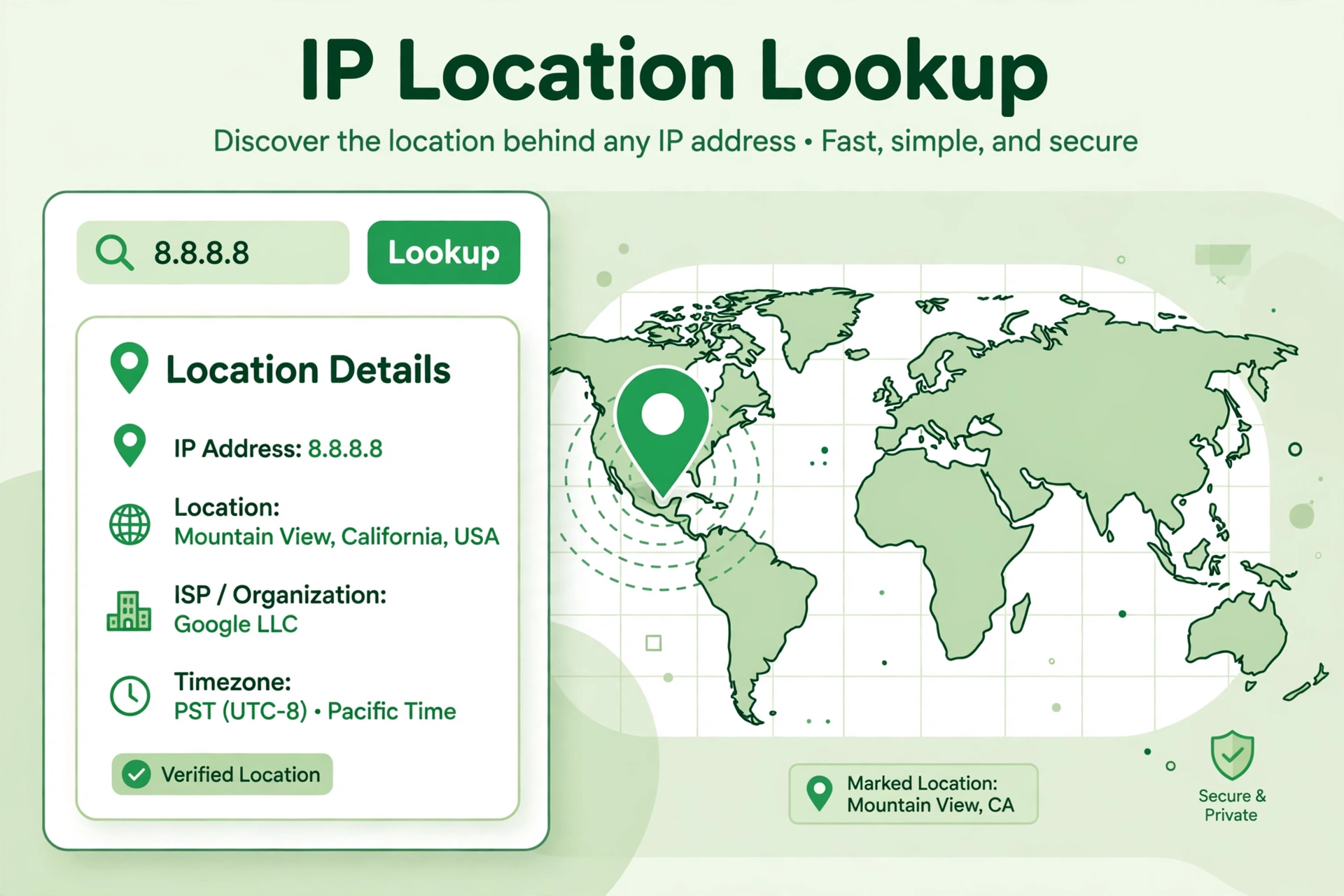
A lookup takes an IP address and returns the place it is registered to. That usually means the country, the region or state, the city and the name of the internet provider. It may also show the time zone and the approximate coordinates. The result comes from databases that map address ranges to places, so it reflects where the provider registered the address, not a GPS position.
How to find an IP address location
- Open the free IP location lookup.
- Type or paste the IP address you want to check, such as 8.8.8.8.
- Press Check Location and wait for the result.
- Read the country, region, city and provider shown on the result card.
How accurate is IP location?
Country and region are usually right. City is often close, but it can be off by some distance, especially with mobile networks and VPNs, which route traffic through servers in other places. A lookup can also show the location of a data centre rather than the person using the address. Treat the city as an estimate, not an exact address.
Why people look up IP locations
Website owners check where their visitors come from, support teams trace odd logins, and shoppers check whether a seller is really based where it claims to be. It is also a quick way to check your own connection: look up your address and see what the internet thinks your location is.
FAQs
Can I find the exact address of an IP?
No. A lookup shows a city or region at best. It cannot reveal a street address or the name of the person behind the address.
Is IP location lookup free?
Yes. The tool on Bsks is free, with no sign-up, and it works for any valid IPv4 address.
Why does my IP show the wrong city?
Your provider may route your traffic through a server in another city, or you may be using a VPN. The result shows where the address is registered, not where you are sitting.
Does the lookup work for IPv6 addresses?
The tool accepts an IP address in the standard format. If a result comes back empty, check the address for typos and try again.
Try it yourself — run the free IP location lookup now and see what any address reveals in seconds.