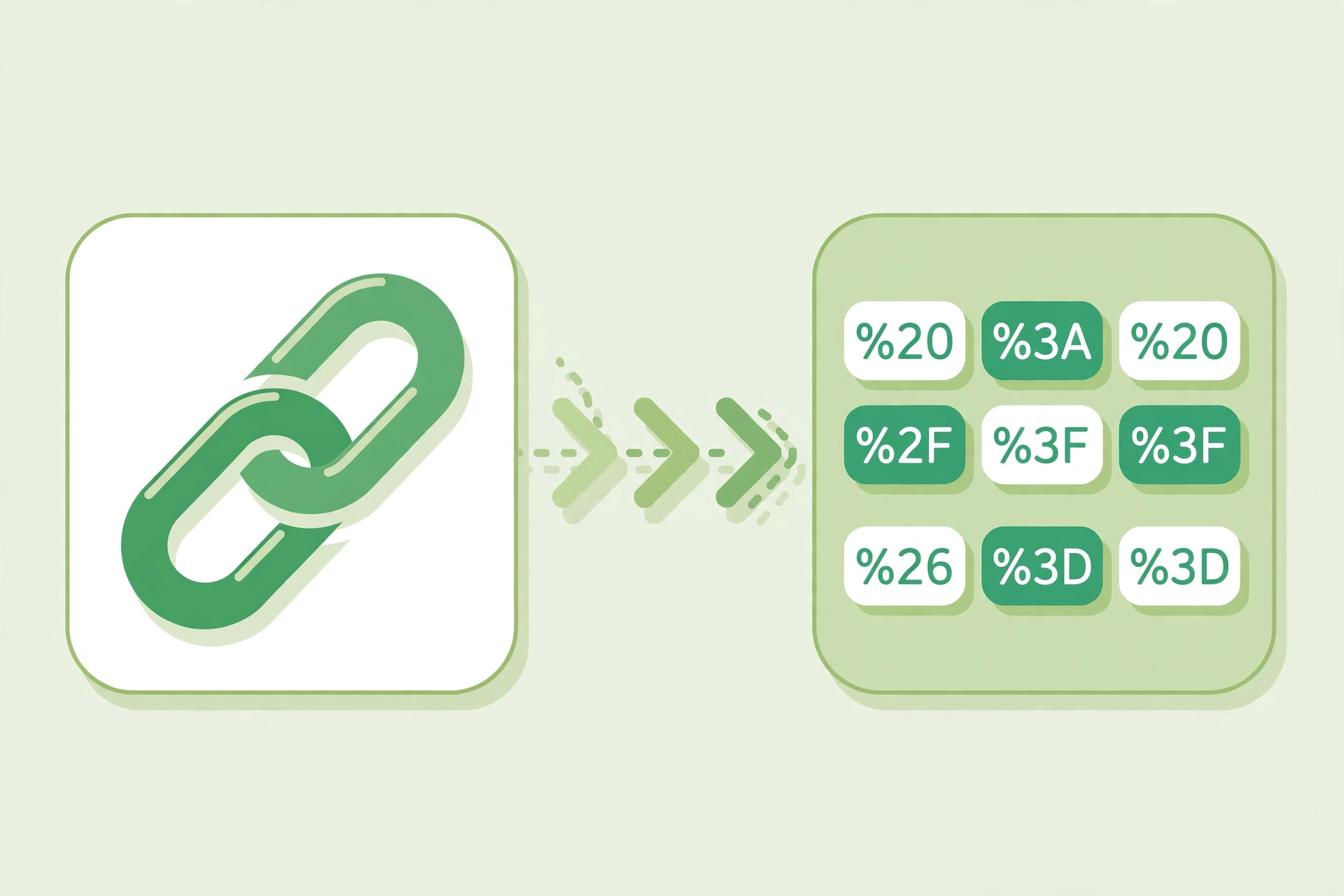
Encode/Decode URL: Encode and Decode URLs Online Free

An encode/decode URL tool converts a web address into a safe, encoded form - and back again. Paste your URL, and it handles spaces and special characters in seconds, with no software to install.
Why URL Encoding Matters
Web addresses cannot safely contain spaces or characters such as ampersands, question marks and hashes. Encoding replaces them with safe codes, so links work, forms submit correctly and shared URLs do not break. Decoding does the reverse, turning an encoded address back into a readable one.
How the URL Encode Decode Tool Works
Open the free URL Encode Decode tool, paste the URL you want to convert, and choose encode or decode. The tool converts the address straight away and shows the result ready to copy. There is nothing to install and no account to create.
How to Encode or Decode a URL in Seconds
- Open the URL Encode Decode tool and paste your URL.
- Choose encode to make it safe, or decode to make it readable.
- Copy the converted result.
- Paste it into your link, form or message.
Where to Use Encoded URLs
Use encoded URLs in links, emails, social media posts and API requests, wherever a plain address might break. Developers use encoding for query strings and form data, while marketers use it to share tracking links that survive being copied and pasted. Decoding helps when you receive a long, encoded link and want to see where it really goes.
Tips for Clean, Working URLs
Encode a URL before you share it if it contains spaces, ampersands or other special characters. Do not encode an address twice, or the codes themselves get encoded and the link breaks. After decoding, check the address carefully before you open it, especially if it arrived in an unexpected message.
Frequently Asked Questions
Is the URL encode decode tool free?
Yes, the URL Encode Decode tool is free to use, with no account or software needed.
What does encoding a URL do?
Encoding replaces spaces and special characters with safe codes, such as %20 for a space, so the address works in browsers and links.
When should I decode a URL?
Decode a URL when you want to read it or check where it leads, for example after copying a long link from an email or a tracking service.
Encode or Decode a URL Instantly
Try our free URL Encode Decode tool. Encode and decode URLs online in seconds, ready to copy and share.