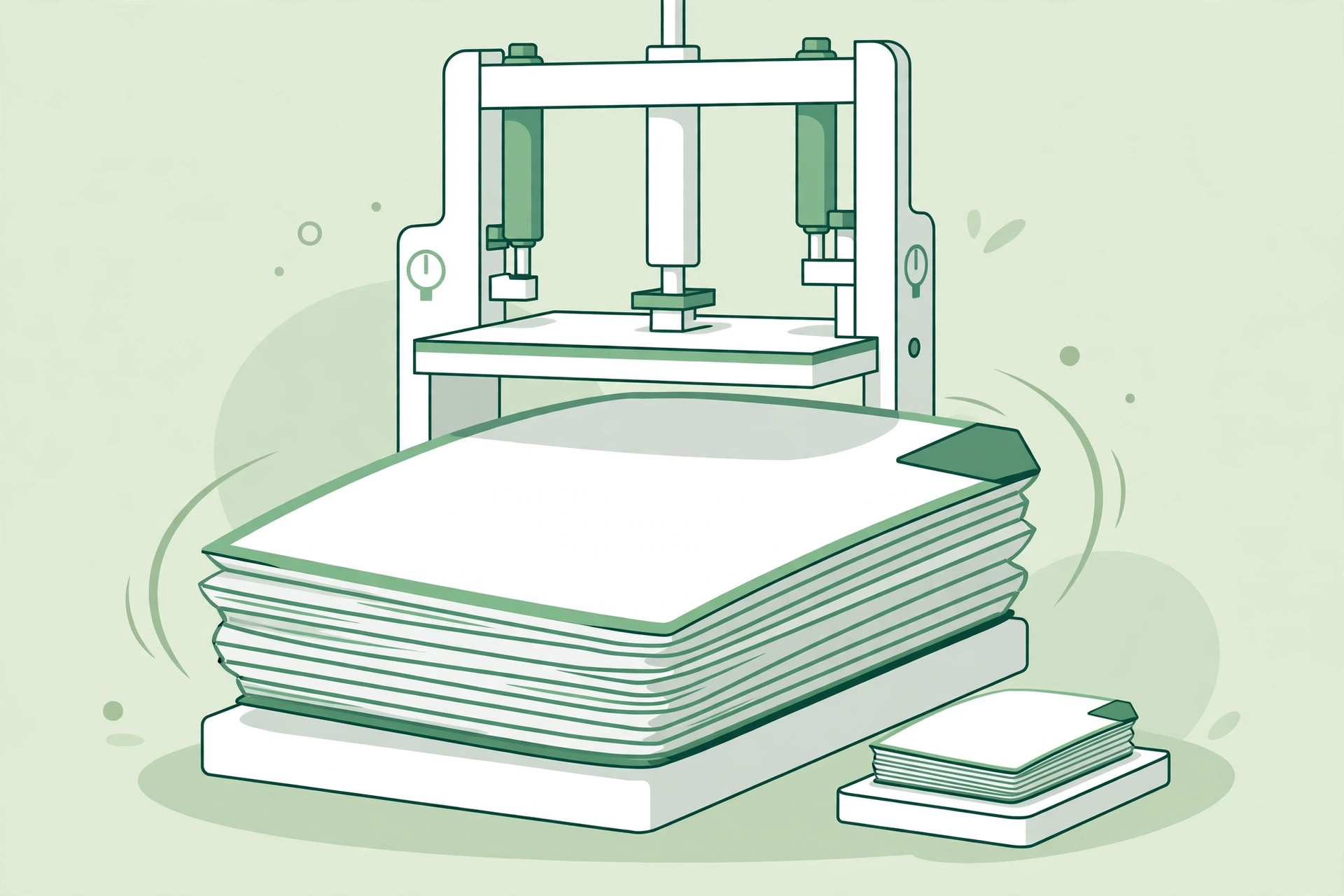
Compress PDF File: Shrink PDFs Online Free

Learning how to compress a PDF file is useful whenever a document is too big to send, upload or store. Large PDFs can fail to attach to an email, exceed a form's size limit, or eat up storage space. Our free PDF compressor shrinks your PDF files in seconds, with no software to install and no account needed.
Why Compress a PDF File?
PDF files can grow large when they contain high-resolution images, scanned pages or lots of graphics. That makes them slow to open, hard to email and tricky to upload to websites with file size limits. Compressing a PDF reduces its size while keeping the text and images readable, so it is easier to share, store and send.
How the PDF Compressor Works
Open the free PDF compressor, upload your PDF file, and the tool shrinks it straight away. It removes extra data and optimises the images inside the file, while keeping the document clear and easy to read. The file is ready to download in seconds, and your files are not stored on our servers.
How to Compress a PDF File in Seconds
- Open the PDF compressor and upload the PDF file you want to shrink.
- Choose the compression level that suits your file.
- Click compress and wait a few seconds while the tool reduces the file size.
- Download the smaller PDF and save it, email it or upload it where you need it.
When to Use a PDF Compressor
Use it to shrink a PDF before sending it by email, upload a document to a form with a size limit, or free up space on your phone or computer. It is also handy for job applications, school work and business documents, where a smaller file is easier to handle. Any time a PDF is too big, compression is the quick fix.
Tips for a Smaller PDF
Pick the right compression level for your needs: lighter compression keeps the best quality, while stronger compression gives the smallest file. Check the finished PDF once to make sure the text and images still look good. Keep your original PDF too, in case you need the full-size version later.
Frequently Asked Questions
Is the PDF compressor free?
Yes, the PDF compressor is free to use, with no account or software needed.
Will compression change how my PDF looks?
No, the compressor keeps your text and images readable while reducing the file size.
How much smaller will my PDF get?
It depends on the file, but PDFs with large images often shrink by half or more.
Compress Your PDF File Now
Try our free PDF compressor. Upload your PDF, shrink it in seconds, and download a smaller file that is ready to share or send.